Transform Your Photos
into Perfection.
Professional photo editing services for eCommerce, photographers & individuals.
Our Services
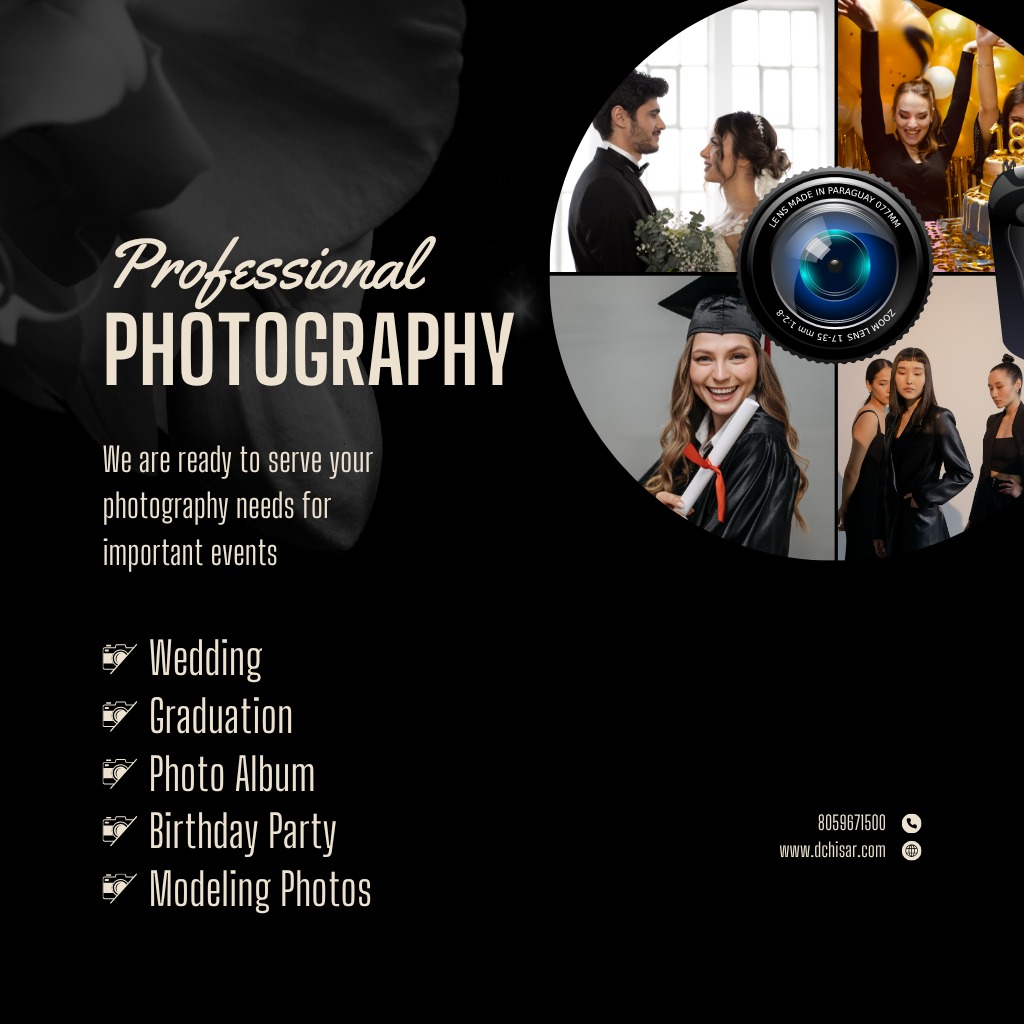
We provide high-quality photo editing, retouching, and enhancement services trusted by photographers, brands, and businesses worldwide.
✨ 5+ Years of Experience
📸 10K+ Photos Edited
🌍 Global Clients
💯 100% Satisfaction Guaranteed
Our Professional
Photo Editing Services
Main Services
- Basic Photo Retouching
– Remove blemishes, adjust brightness, enhance skin tones.
2. Background Removal
– Clean, transparent, or custom backgrounds for eCommerce.
3. Color Correction
– Adjust color balance, exposure & lighting.
4. Product Photo Editing
– Ideal for Amazon, Myntra, Shopify, etc.
5. Portrait Enhancement
– Smooth skin, sharpen eyes, fix tones, and lighting.
6. Creative Manipulation
– Combine multiple images, add effects, artistic edits.
7. Restoration of Old Photos
– Fix torn, faded, or damaged images.
8. Event & Wedding Edits
– Highlight special moments beautifully.
- ✅ Each service card:
- 📷 Image (before-after thumbnail)
- 📝 Short description
- 🔗 “Learn More” button
Show your editing quality visually.
- Slider or grid (side-by-side images — “Before” on left, “After” on right).
- Add hover effect (on hover → show edited version).
Build trust and credibility.
- 🎯 Fast Turnaround Time (24–48 hrs)
- 💰 Affordable Packages
- 🧑🎨 Professional Editors
- 🔒 100% Data Privacy
- 🖼️ High-Resolution Outputs
3 Clean cards (Basic / Standard / Premium).
Plan
Basic Photo Editing
Standard Photo Editing
Premium Photo Editing
Price
₹299/photo Editing
₹499/photo Editing
₹999/photo Editing
Features
Basic retouch + color adjust
Background + retouch + lighting
Full editing + advanced effects
FAQ Section
🕐 1. Basic Editing (Fast Work)
Includes: crop, resize, brightness/contrast, minor color adjustment, background removal
⏱ Per photo: 2–5 minutes
📦 Bulk (100 photos): 3–6 hours approx
⚡ Turnaround time: 1 working day (for normal bulk)
🎨 2. Advanced Editing / Retouching
Includes: skin smoothening, blemish removal, light correction, tone matching, object removal
⏱ Per photo: 10–20 minutes
📦 Bulk (100 photos): 1–2 days
⚡ Turnaround time: 24–48 hours (depends on quality needed)
🖼️ 3. High-End Editing / Manipulation
Includes: photo compositing, product enhancement, digital makeup, creative effects
⏱ Per photo: 30–60 minutes
📦 Bulk (100 photos): 3–5 days
⚡ Turnaround time: 3–7 days (depends on complexity)
📸 4. E-commerce / Product Photo Editing
Includes: white background, shadow effect, color correction, reflection, alignment
⏱ Per photo: 3–10 minutes
📦 Bulk (500–1000 photos): 2–4 days
⚡ Turnaround time: 1–3 days (express available)
Kai photo-editing services “bulk order” (bahut saari photos ek sath) ke liye discount offer karte hain. Eg:
Ek service ne kaha hai “Get 25% discount on bulk orders”.
Dusri service “Discount up to 40% on bulk order” mention karti hai.
Aur bhi – “Discount up to 50% on bulk orders” statement mile hain.
Bulk order se kya matlab hai: large quantity (hundreds ya thousands photos), ek saath upload + ek jaise editing spec (eg background removal, color correction) jaisi repeatable tasks.
Discount ka rate alag-alagh hota hai — service category (simple background removal vs high-end retouching), image complexity, deliver-time (fast turnaround) par depend karta hai
📂 1. Haan, RAW Files Edit Karna Possible Hai
Common RAW formats:
.CR2 / .CR3→ Canon.NEF→ Nikon.ARW→ Sony.ORF→ Olympus.DNG→ Adobe / Android.RAF→ Fujifilm
Professional editors in tools me RAW file open karke edit karte hain:
Adobe Lightroom / Photoshop
Capture One Pro
DxO PhotoLab
Luminar NEO / ON1 Photo RAW
🎨 2. RAW Editing Me Kya-Kya Ho Sakta Hai
Exposure & lighting correction
White balance adjustment
Color grading & tone mapping
Highlight/shadow recovery
Noise reduction & sharpening
Lens correction (distortion, chromatic aberration)
Retouching / cleanup
Export to JPG, PNG, TIFF, etc. after editing
⚙️ 3. Time & File Size
RAW files bade hote hain (20–50 MB+ each), isliye upload/download time thoda zyada hota hai.
Editing time bhi JPEG se zyada lagta hai (5–15 min per photo, depending on work).
💰 4. Bulk RAW Editing Discount
Jaise agar aap 100+ RAW photos dete ho (wedding, product, or shoot ke), toh bulk discount milta hai — usually 20–40% off.
🔐 1. Secure File Transfer Methods
Yeh sabse trusted aur commonly used methods hain photo editing industry me:
✅ Google Drive / OneDrive / Dropbox
Aap ek folder create karke usme photos upload kar sakte hain.
“View / Edit access” apne editor ko de sakte hain.
Folder ko password-protected ya restricted access par set karen.
Ideal for: large batches (RAW, JPG, PNG)
📦 Example:
Google Drive → Share → Restricted → Add email of editor
✅ WeTransfer Pro / Smash / Filemail
Fast & encrypted file transfer services.
Aap “password-protected link” bana sakte ho.
Link expire time set kar sakte ho (24h, 7 days, etc.)
Ideal for: quick uploads (under 2–20 GB)
💡 Tip: Free version me bhi 2 GB tak bhej sakte ho, par Pro me 200 GB tak.
✅ Encrypted Cloud Storage (Professional)
Agar aap high-value shoots bhej rahe ho (e.g. fashion, wedding, brand clients):
Use pCloud, Sync.com, ya Tresorit
Yeh end-to-end encryption offer karte hain
Sirf authorized user hi access kar sakta hai
🔒 2. Extra Safety Tips
📁 ZIP folder ko password-protect karke bhejo. (WinRAR/7Zip se “Encrypt File Names” option use karo)
🧑💻 Sirf trusted professional editor ya agency ko access do.
🧾 NDA (Non-Disclosure Agreement) use karo agar photos confidential hain.
❌ Public links (Anyone with link) avoid karo — restricted access use karo.
⚙️ 3. Recommended Workflow
All RAW or JPG files → Upload on secure platform (Drive/Dropbox/WeTransfer)
Share only editor’s email (not public link)
Editor edits → Uploads final JPGs back to same folder
Delete shared link after project completion